Category: Illustration

  • Lights, hair, action

    Lights, hair, action

    I felt creative this weekend but didn’t know which project to pour it into, so I spent some time speedpainting from photo reference.

    Instagram is a great source for crazy colors and compositions. I especially love hair that’s lit from behind or some similarly interesting lighting setup.

    I recorded the one in the bottom-right. In the beginning these usually looks like shit, it’s a real process of sculpting with the brush. I wasn’t shooting for a 1-to-1 likeness either, just to capture the light and the wildness of the hair.

  • Todd

    Todd

    I ate up Dirk Gently’s Holistic Detective Agency season 1 on Netflix recently, and it cemented Elijah Wood as one of my fave actors. I tried to capture his likeness here in one of his most confused moments as Todd, but only partially succeeded…

  • Sketchheads

    Sketchheads

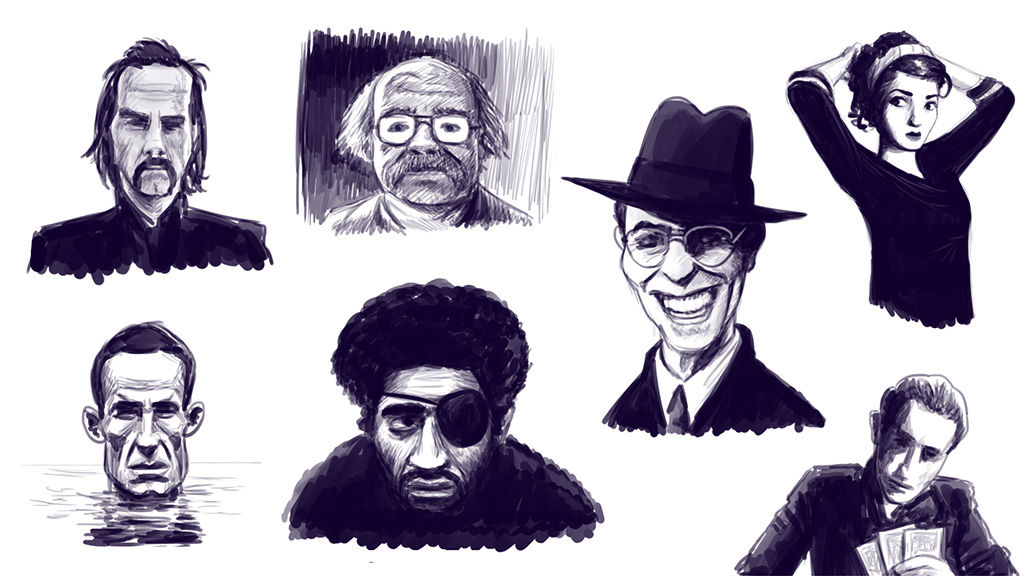
    Sketched some heads.

  • A little more conversation,

    My friend Alper is working on an ebook about Conversational bots and UI, something we worked on together at Hubbub too. It seemed only fitting that I drew the cover for his book. So I did. You can preorder it here.

    smaller_20cover.jpeg

  • My workflow – exporting multiple images

    I thought it might be fun to share some tips and insights about my workflow on here, so here is the first post about that.

    I’ve been working with Photoshop for years and years, and I’ve picked up some cool tricks along the way. But Photoshop itself keeps changing too, so today’s tip is cutting-edge, using the latest features in CC 2015.1 to export images in multiple sizes with one click. This uses two great new features, namely Artboards and The Generator.

    Artboards are old news for users of Illustrator, but in Photoshop they can really enhance your workflow too. I wasn’t a big fan at first, but using it in conjunction with the Generator makes a strong case in their favor.

    The Generator is probably a feature not many people know about. Exporting multiple layers in the past was mostly the domain of Export > Layers To Files, or using Slices in Save For Web, but The Generator is the next evolution; all you have to do is turn on Image Assets under File > Generate, then append .png to the names of the layers you want to export, and when you save your PSD, it automatically crops and exports these layers.

    I found this extremely useful for exporting character limbs for game development, but it has its uses in webdevelopment also. I’ll show you how I use it at my job to export different sizes of the same illustration:

    Screencap_generator

    The source file is very high resolution, obviously, and when it’s done, I have to export into two 1200×628 pngs – one with a text banner for Facebook, and one clean one for the blogpost itself – plus a cropped 700×628 version for Pinterest and Instagram.

    Resizing and cropping manually is a small pain, but a pain nonetheless, especially when you have to go back and change something later.

    So, what I do is make an artboard at the size of the original illustration and convert all the layers in it to a smart object. Then I make three extra artboards at the size I want the exported images to be, copy the smart object into them, and add .png to the artboard names. This way, whenever I make a change in the original illustration, the change is propagated to all the other art boards, and when I hit Ctrl+S it automatically saves them out to separate pngs, ready to go onto the site (well, after they go through ImageOptim).

    Using this setup as a template whenever I start a new illustration saves me a bunch of time otherwise spent exporting images by hand. Hopefully this is useful to some of you too.
  • Color keying

    colorkey

    Before I start on a drawing that has a complex lighting and color setup, I usually do a color key first to make sure I can pull it off. I did the top one yesterday afternoon and was pretty pleased with it, but this morning someone pointed out it was a bit gloomy, and looking back after the changes I made (bottom) they were totally right.

    [UPDATE] and the finished piece:

    BlogSEO3


  • 2016 look-ahead

    We looked back at 2015 earlier this month, now it’s time to look ahead at all the things coming for Hedgefield in 2016.

    Finish developing Last Voyage Of The Orlova

    I started this project last summer with the intention to finish it up in a month or two, but then I got caught up in other things eventually leading me to my current job at Yoast, so the development timetable for this project has been stretched out somewhat. But this year I’m definitely finishing it and putting it out in itch.io.

    Work with some cool people on 7 Days Of Klement

    I can’t tell you what it is yet, but this year I’m working on a game spearheaded by Sytze Schalk, though I’m keeping my role in it limited to some design and prototyping work, leaving the heavy lifting to contractors. But that’s a great opportunity to involve some people I’ve wanted to work with.

    Write a new draft for Black Feather Forest

    This again? Yes. I’ve done a lot of thinking about this game since I completed the vertical slice in 2014. It was way too ambitious, while still missing some crucial mechanics. So I’m slowly writing a new draft, and so far it’s looking pretty solid. 2017 here I come.

    Draw more

    It sounds weird considering my day job IS drawing, but I want to make more quick little drawings in my free time and learn new techniques. Just get better at it, basically.

    –

    I’ll be talking more in-depth about these things in my newsletter, so sign up for that.


  • Canals of Venice

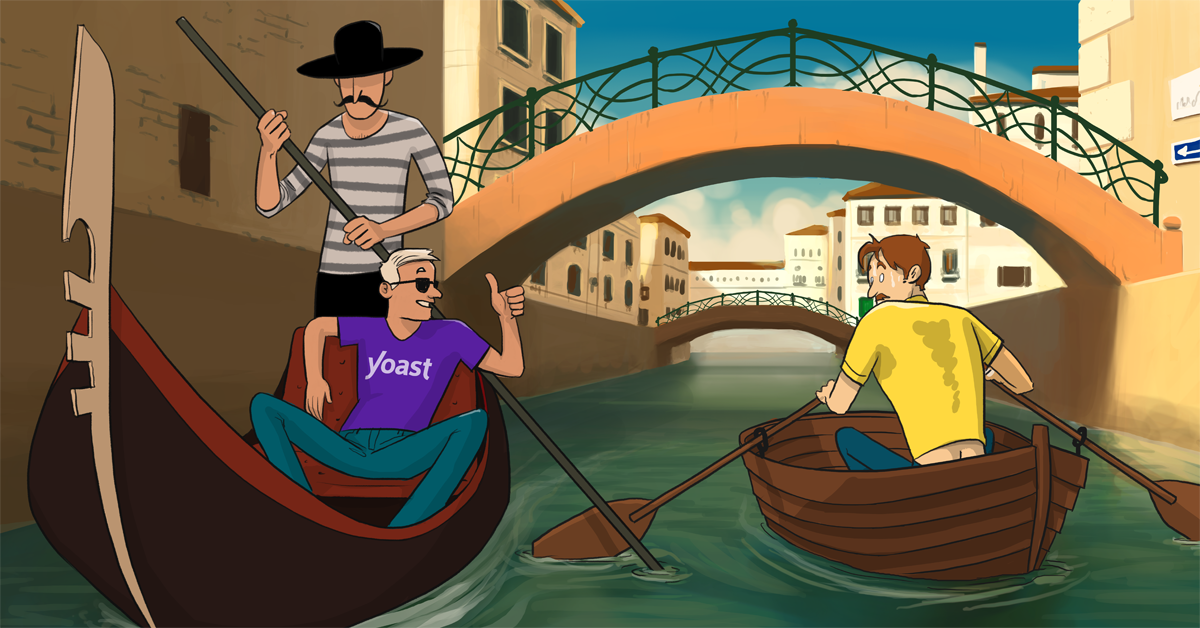
    I’ve yet to visit Venice in person, but it has always held my interest and imagination, so when I could draw a classic Venice canal as a Yoast illustration I jumped at the chance.

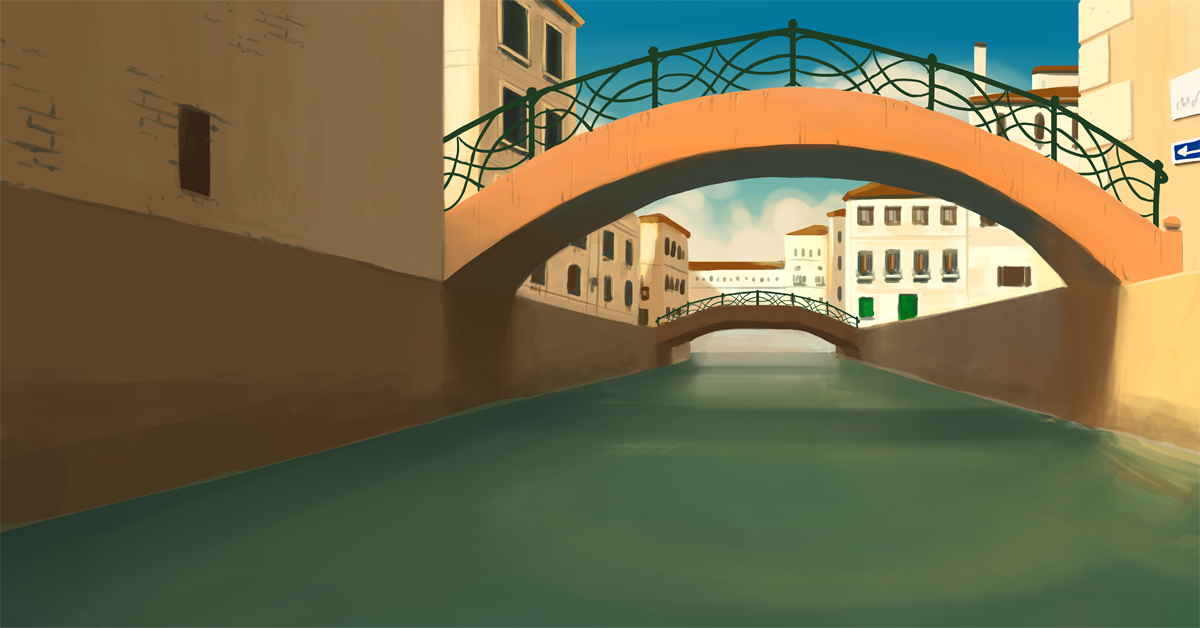
    And just the background:

  • Writing inspiration

    Tips_for_blogposts.png

    Tried something a little different from my usual drawing style for a Yoast article. Been practicing color and blending on the side courtesy of Ctrl+Paint.

  • Import-Export

    Import_export_FI

    A recent illustration for Yoast, for a post about their plugin. I’ve always been enamored with dockyards circa the 1950s (blame it on TinTin) so this was a nice opportunity to do something with that imagery.

  • Maintenance Men

    Reviews

    This here’s an infographic I made for Yoast website reviews. I’m happy with the layout and the colors, but the most fun part was making the car and the guys inspecting it. It’s made completely in vectors, something I don’t often do.

    palette

  • Spectrum

    colortest

    I’ve started schooling myself in using color recently, and this was one of the first test images I made.

    I used to do it on gut feeling mostly, like I do with perspective – I mean I know things about bounce light and indirect shadows and color temperature, but when I have a bunch of colors that don’t work well together I didn’t really know why.

    So I started watching Sycra and Ctrl+Paint videos again to get a handle on some kind of technique. And the biggest shift in my thinking came when I installed a color wheel for Photoshop. I use Coolorus, and once you learn how to use it it’s a great tool.

    I recommend these  videos on the subject if you want to learn too.

    coo

    https://vimeo.com/35951005

  • Wittcher 3 fanart

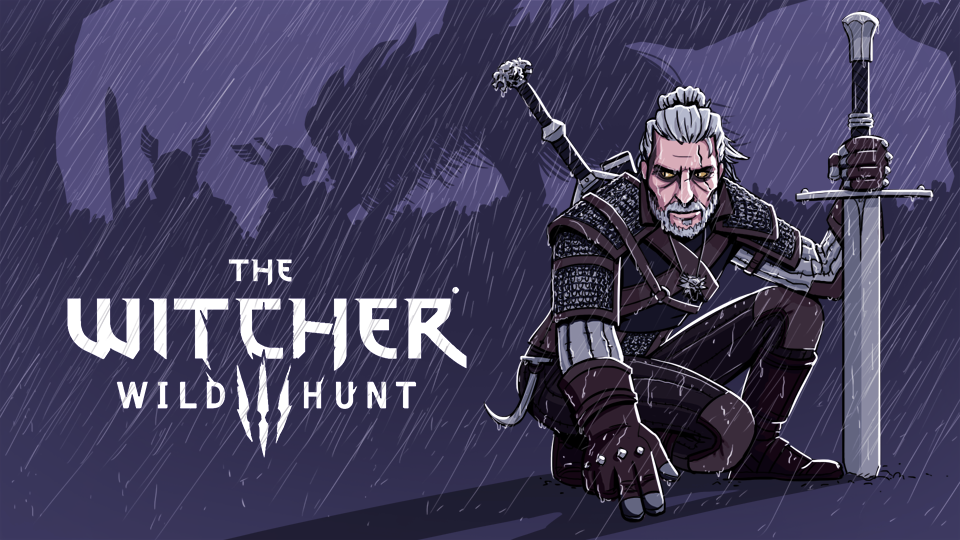
    Just submitted this piece to the Witcher 3 fanart competition. Had fun making this one.

  • Contrast

    I wanted to practice drawing portraits with strong or interesting lighting, so I looked up some Anton Corbijn-like noir-ish stuff, and it went pretty well from there. Also, why has David Bowie never been cast as The Joker?

    If anyone has tips for where I can find more photos like this, preferably something in color with strong sunlight or back lit, let me know in the comments!

  • Calendar doodles

    I came across an open call for calendar illustrations here in Holland, and I submitted a few simple drawings to be included, along with some from my girlfriend. It’s pretty cool to have them hanging on the bathroom wall now, and there are tons of other cool submissions in it as well.

    scheurkalender2
    “Today is a great day for adventure!”
    scheurkalender3
    “We all have our ups and downs.”
    scheurkalender4
    “Learn something new today.”

    If you want to order one too, head over here.

  • Week 66

    This is a weekly recap of what has been going on in my professional life. It’s to keep track of what I’m up to and to give you a peek at what it’s like being an independent creator.

    Last week was a bit disappointing. I did get the BlaFF storyline plotted out fully in Twine, which was great because it gave me an instant visual overview of which parts were too linear and which had too much going on at once. I added one location and everything feels better balanced now. The added bonus is that I now have an accurate count of all the clues you can collect during the game and where they are referenced. I was afraid I had planned for too many, but the total number came up short of the space I had reserved for it, so that’s good, I can pad some things out and add more info to find.

    twine

    But then, bad news. Indie Fund reviewed my submission and decided that it didn’t quite fit with what they were looking for in their portfolio. I hadn’t expected much but it was still disappointing. The next day I heard back from Double Fine too – they really liked the game, but with two guys manning their publishing department part-time and three projects on their hands already they didn’t have space on their docket, but it was still nice to hear. I’ve got a few more emails out, so we’ll see how that goes in the coming weeks.

    Mostly it shook me awake to the fact that the core game needs work. I’ve been caught up in polishing what I essentially made in one month, but it needs new features. I’ve just been afraid to break the whole thing open again. But it has to be done. I got some good tips from people that played the demo, some of which I had already thought of myself, so it’s time to put stuff like that in and make the game match up with the promise.

    The only problem is I don’t have much leeway to spend time on it right now. I’d love to, but life costs money, and making games is not exactly a quick return-of-investment. So I decided to pivot back to illustration for a while. I could do a Kickstarter for BlaFF, but setting that up would take me another month, and there’s no guarantee that it will work out, especially in the current sour climate in the games industry. I needed to step away from all that anxiety and get back to what I know I can do well: drawing. (I have more thoughts on this that I’ll put in a seperate blogpost.)

    But for now I’m good doing illustration. I got two emails recently for interesting and substantial projects. They’re both international, so it’s also a new challenge in figuring out how to process that in my administration. And if you’re reading this and have a nice assignment for me: I’m available for hire!

    next week: drawing drawing drawing.

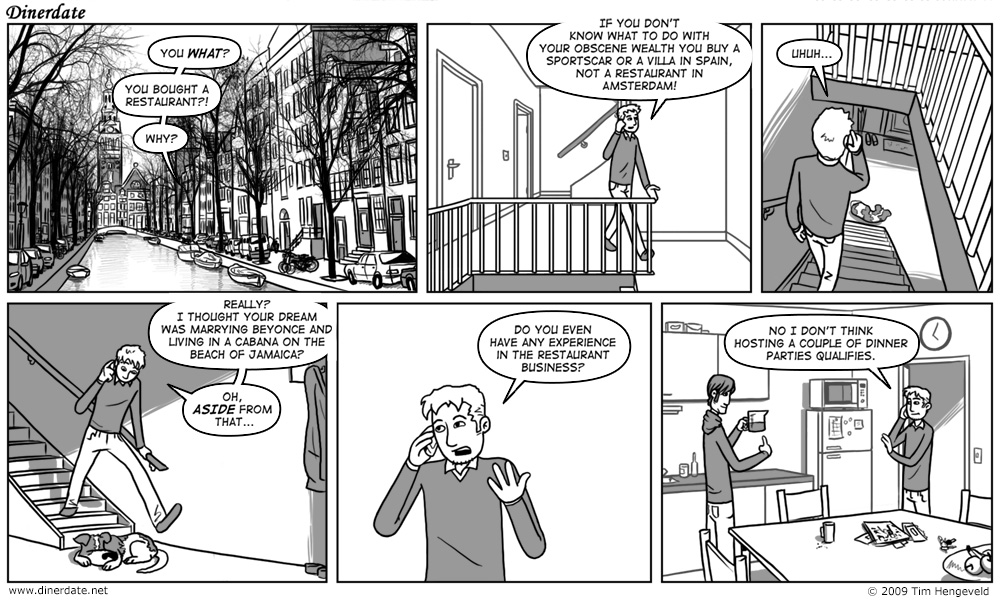
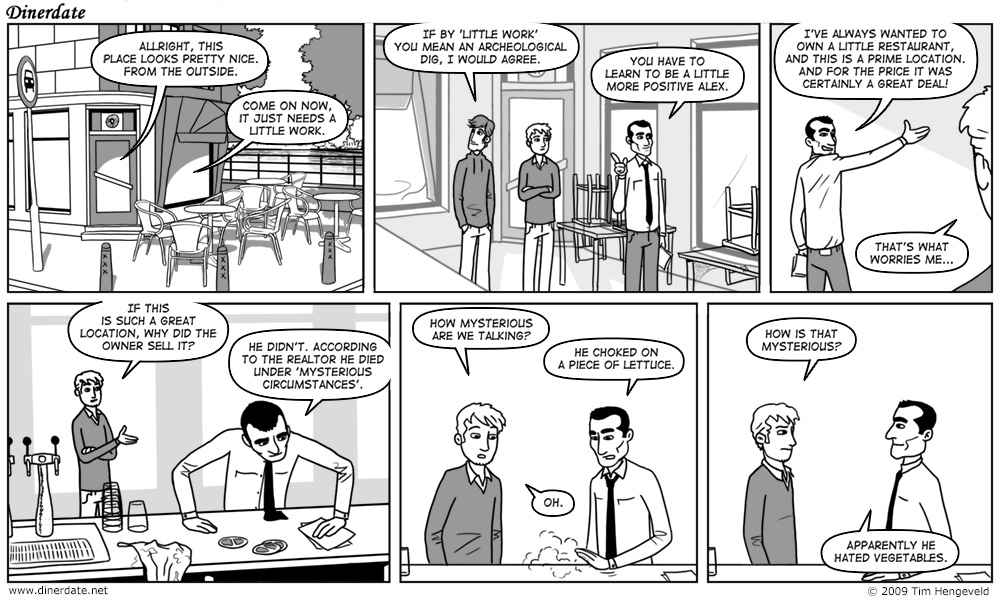
  • Dinerdate 2.0

    Long ago I did a webcomic called Dinerdate, about a weird bunch of people hanging out in a diner. I ended it because it was sort of going nowhere, but I always liked the idea and for two years off and on I worked on a reboot. I wrote about 50 strips, a complete first chapter, but some things didn’t quite click yet (even though I think the arc is strong) so I shelved it indefinitely. A big focus of the new version was Amsterdam, which, along with some other elements and characters, I rolled into Off-Stage after that. But Dinerdate 2.0 continues to occupy a folder in my Dropbox, to maybe be revisited someday (I have some nice ideas to tie it into the Off-Stage universe).

    Here are the first two strips.


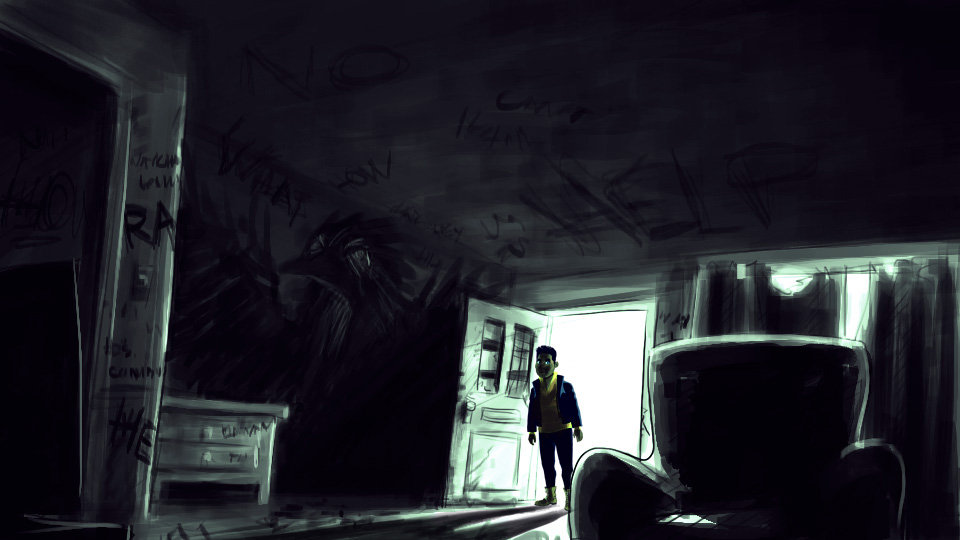
  • NOPE

    Doing concept art and color thumbnails for new Black Feather Forest locations this week. Looking forward to building this scene.

  • Gotta get back in time

    Rewatched Back To The Future last weekend, still a fantastic movie. I had forgotten most of the specifics since watching it last. Then Huey Lewis and The News came on iTunes shuffle, and I had to open Photoshop and crank this one out.

  • Harlow and Indiana

    Drew my second-favorite pair of dogs, Harlow and Indiana, Instagram stars.

  • Stool life

    Stool life

    Something I rarely do anymore is paint something mundane that is in front of me – a still life. It’s great for practicing colors and composition, but it’s not something that I think about very often. This week I was visiting my parents and I saw some nice dusk light fall in through the back door, so I decided to make a study of that.

  • Unseen Bounden

    While I worked on the concept art for Bounden we tried a lot of things. Mainly related to the world- and theme-building. We worked hard to distill all the level ideas down to the best possible ones, the ones that you can see in the game now. But for every ‘world’ that you see in the game, there were like fifteen more designs. Here are some that didn’t make the cut. (click on them for a slideshow with descriptions) :

  • Week 42

    This is a weekly recap of the goings-on in my professional life – to keep track of what I’m doing and to give you a peek at what it’s like being an independent creative.

    Development on my upcoming game continued this past week. When the demo is done by the end of this week I’ll be able to tell you more about just what the hell I’ve been making.

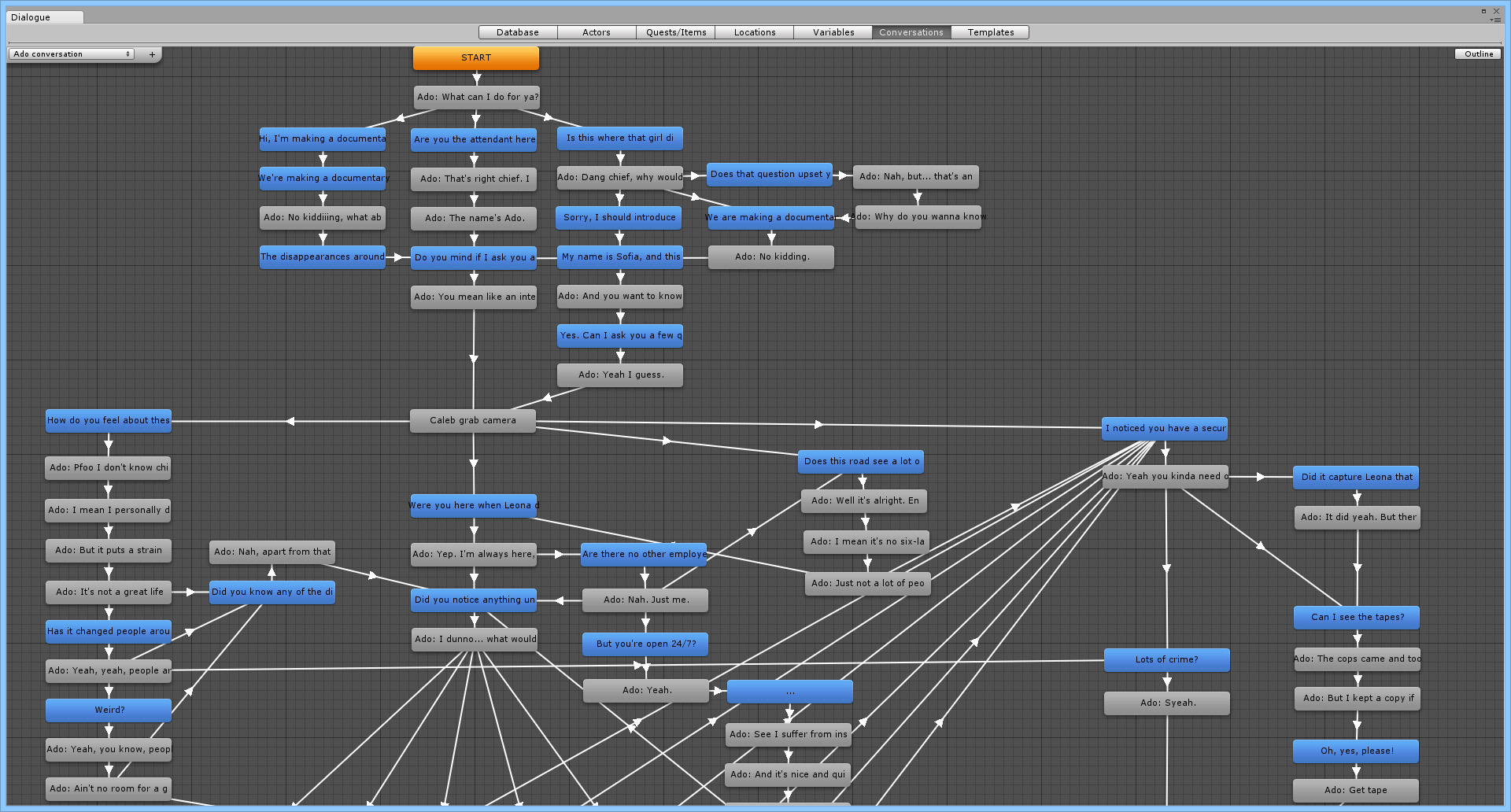
    On monday and tuesday I worked on the first two scenes of the game, writing the dialogue and setting everything up just right. Apart from a few minor things I was very happy with the outcome. The workflow I had established worked well and allowed for a pretty quick setup of a scene. I also iterated on the story and made it readable to people who knew nothing about the project in preparation for the pitch document I’ll be writing this week.

    On wednesday I set up the next big scene in the game, which went very smoothly. Because I had finished well on time I set aside work that night to play Kentucky Route Zero Act III. Apart from being impressed as always by the visuals and the tone of the narrative, it reminded me that it is okay to write a little more than bare minimum if it is interesting to read through.

    On thursday I applied this newfound insight to finishing the last of the in-game conversations, and it was a doozy.

    I’m very thankful for Dialogue System For Unity, a plugin that made the management of these long branching conversations a lot easier. And most importantly, it integrated with Adventure Creator, which made it top choice over things like Dialoguer or Playmaker.

    I spent the rest of the day customizing the UI and wiring up things like the fast-travel map and the clue system.

    On friday I took a break from development to work on a freelance assignment. I was faced with the challenge of drawing a character in vector, but I’m not good enough with vector tools that I could pull that off in two hours and have it look good too. So I decided to give Mischief another try. I sang its praises before but man it really came through for me this time. I could draw exactly like I would in Photoshop (without all the fancy tricks like clipping masks and blending modes though, so back to basics, time to be a real artist again ha!), but it took the form of infinitely scaleable vectors, ending up with the best of both worlds. I went to buy it right after.
    Saturday night I tinkered with the game’s code a bit and fixed a bunch of bugs. As it usually goes, I was ready to make a new build and then suddenly all kinds of things came to light. But I managed to fix a good few eyesores. On sunday I mostly worked on missing art and more bugfixes.

  • Where is Ledoux

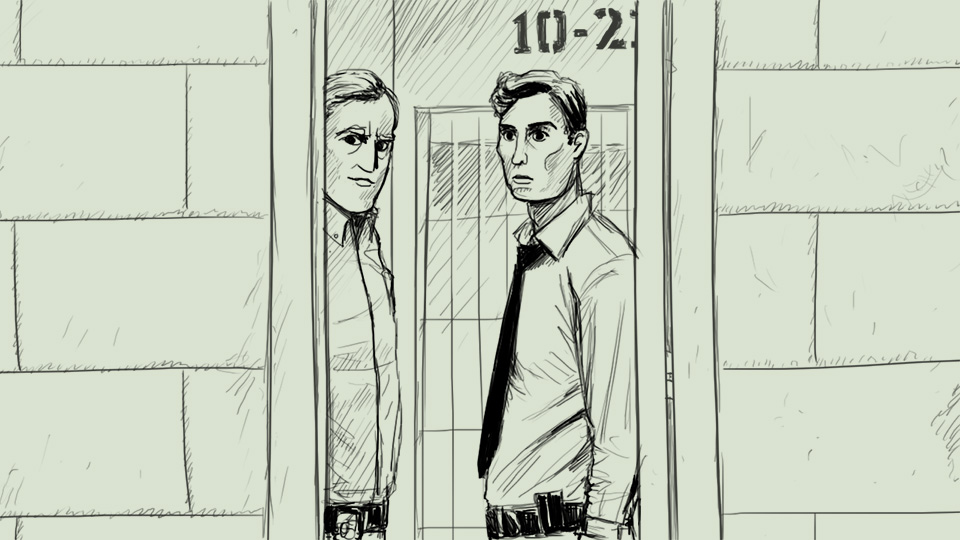
    More True Detective.